
Screens 5.9 is here! This release brings support for Apple’s latest operating systems, new ways to quickly connect to your computers, improved controls, more customization options, and plenty of refinements across iPhone, iPad, Mac, and Apple Vision Pro.
Here’s what’s new — and be sure to read to the end, where we share some thoughts about iPhone Duo and what’s next for Screens.
Ready for iOS, iPadOS, macOS, and visionOS 27
Screens 5.9 is optimized for iOS 27, iPadOS 27, macOS 27, and visionOS 27, taking advantage of the latest system features and SwiftUI improvements across Apple platforms.
Connect with Siri, Shortcuts, and Spotlight
Getting to your computers is now even faster.
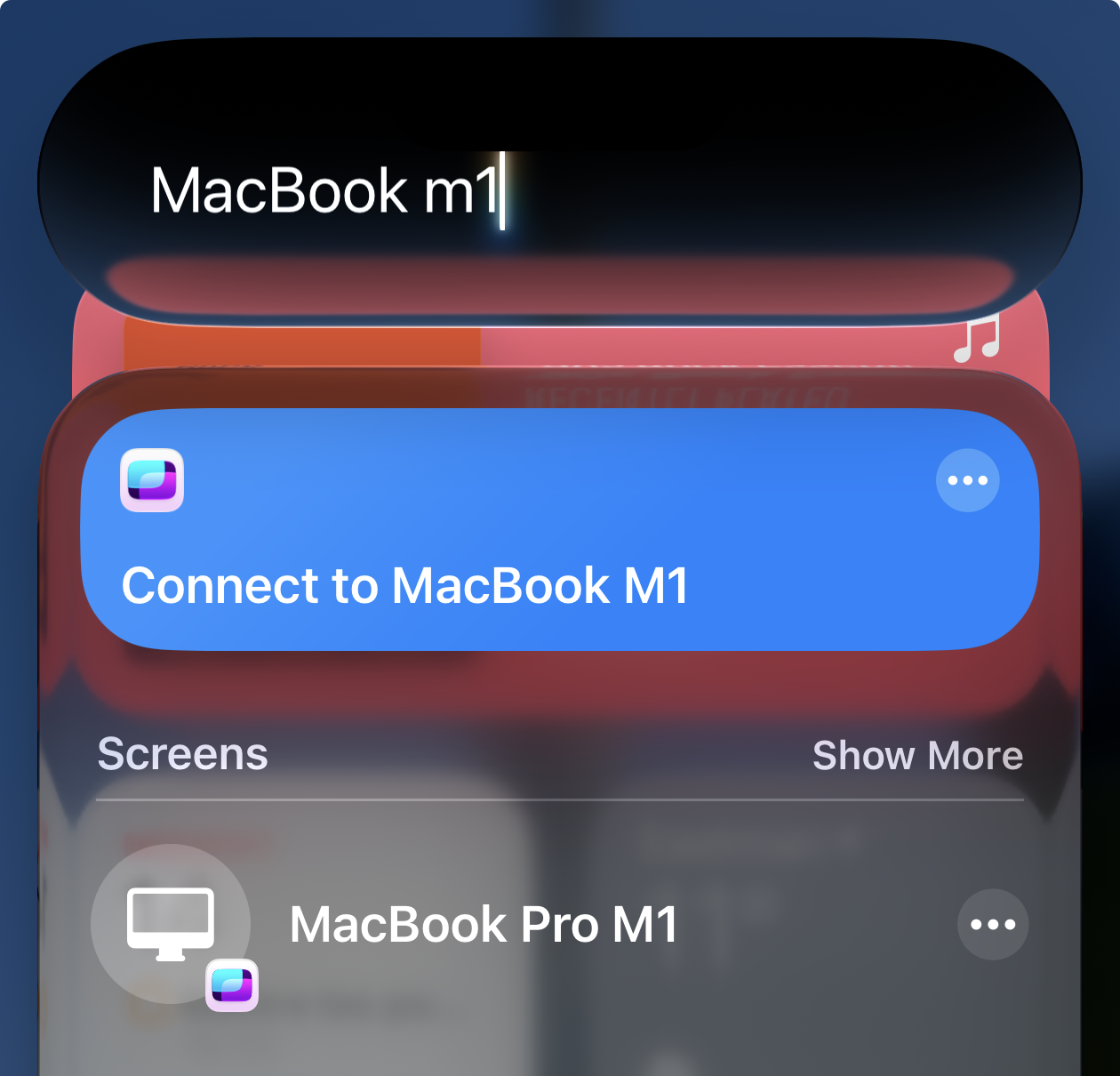
The new Connect to Computer with Screens action lets you launch any saved connection using Siri, Shortcuts, Spotlight, and other system features.
Just ask Siri, “Connect to my Mac mini with Screens,” create your own automations in Shortcuts, or find a saved computer directly from Spotlight.
Quick Connect Widgets
Screens 5.9 introduces a new Quick Connect widget, giving you one-tap access to your saved computers.
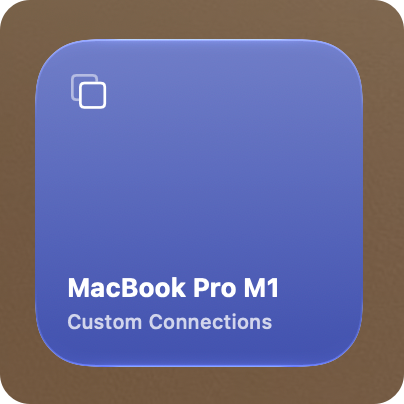
On iPhone and iPad, add the widget to your Home Screen. On Mac, place it on your desktop or in Notification Center. And on Apple Vision Pro, place it anywhere in your space.
Choose the computers you want quick access to and connect without having to navigate through Screens first.
Arrange Your Connections Your Way
You can now arrange connections in any order you like in Grid view.
Simply drag your computers around the grid to put frequently used connections exactly where you want them.
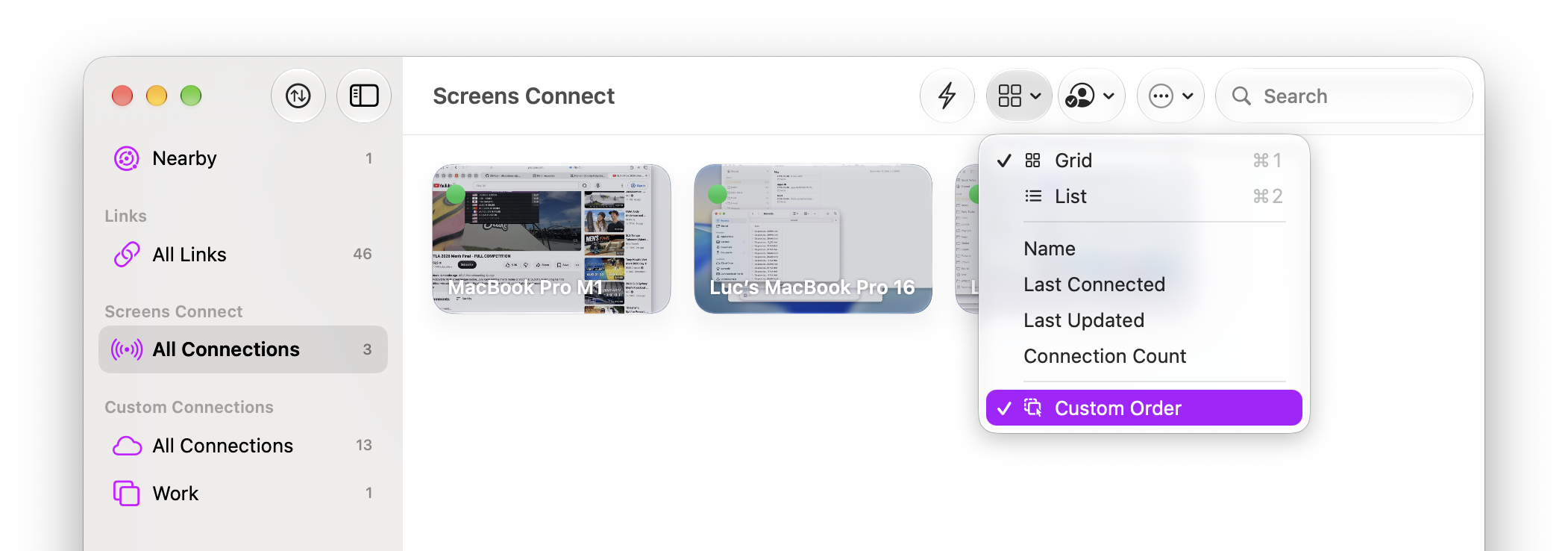
Custom Grid Ordering requires iOS 27, iPadOS 27, macOS 27, or visionOS 27.
More Settings for Individual Computers
Screens 5.9 expands the settings that can be configured individually for each computer.
This gives you more flexibility to tailor how Screens behaves depending on the computer you’re connecting to rather than using the same settings everywhere.
Improved Drag Gestures on iPhone and iPad
Dragging with touch is faster and more customizable in Screens 5.9.
We’ve shortened the default Touch-and-Hold Drag delay to make dragging feel more responsive and added a new Touch-and-Hold Drag Delay setting so you can adjust it to your preference.
There’s also a new three-finger gesture for middle-button dragging, along with an improved Touch-and-Hold Drag indicator that makes it clearer when a drag is active.
Better Mouse and Trackpad Controls
Mouse and trackpad controls have been expanded on iPhone, iPad, and Apple Vision Pro.
In addition to standard left-button dragging, you can now perform right-button drags with a mouse or trackpad and middle-button drags with a mouse.
These additions make it easier to work with remote applications that rely on more advanced mouse controls.
AirPlay Is Back
AirPlay support returns to Screens on iPhone and iPad.
You can stream your remote computer’s display to a TV or other AirPlay-compatible display while continuing to control it from Screens.
AirPlay support requires iOS 27 or iPadOS 27. You can learn more about this feature in this article
Other Improvements
There’s plenty more in Screens 5.9:
- Low (8-bit) colour depth for PCs: A new Low colour depth option is available when connecting to PCs, which can help reduce bandwidth usage. This option is not available for Mac connections.
- Folders for Links: Links can now be organized into folders alongside your other connections.
- Clearer connection progress: The connection progress indicator now provides better feedback about what’s happening while Screens establishes a connection.
- Better Local Network handling: Screens now handles cases where Local Network access has been denied more gracefully.
- Improved iPhone layout: We’ve refined the Grid view to make better use of the displays on current and upcoming iPhone models.
- Shared Clipboard fix: Fixed an issue that could cause Shared Clipboard to disable itself on iPad.
- Landscape improvements: Fixed a dead zone that could occur when using Screens on iPhone in landscape orientation.
- Manual port mapping on Mac: Remote Access on Mac now includes a manual port mapping option for networks where automatic configuration isn’t available.
And Lots of Polish
Screens 5.9 also includes numerous UI fixes, performance improvements, reliability enhancements, and under-the-hood refinements across every platform.
Whether you’re connecting from your iPhone, iPad, Mac, or Apple Vision Pro, Screens 5.9 makes getting to and controlling your computers faster, easier, and more reliable.
Screens 5.9 Is Available Now
Screens 5.9 is available now for iPhone, iPad, Mac, and Apple Vision Pro on the App Store.
Looking Ahead to iPhone Duo
We’re excited about iPhone Duo and already have some ideas about how Screens could take advantage of its unique form factor.
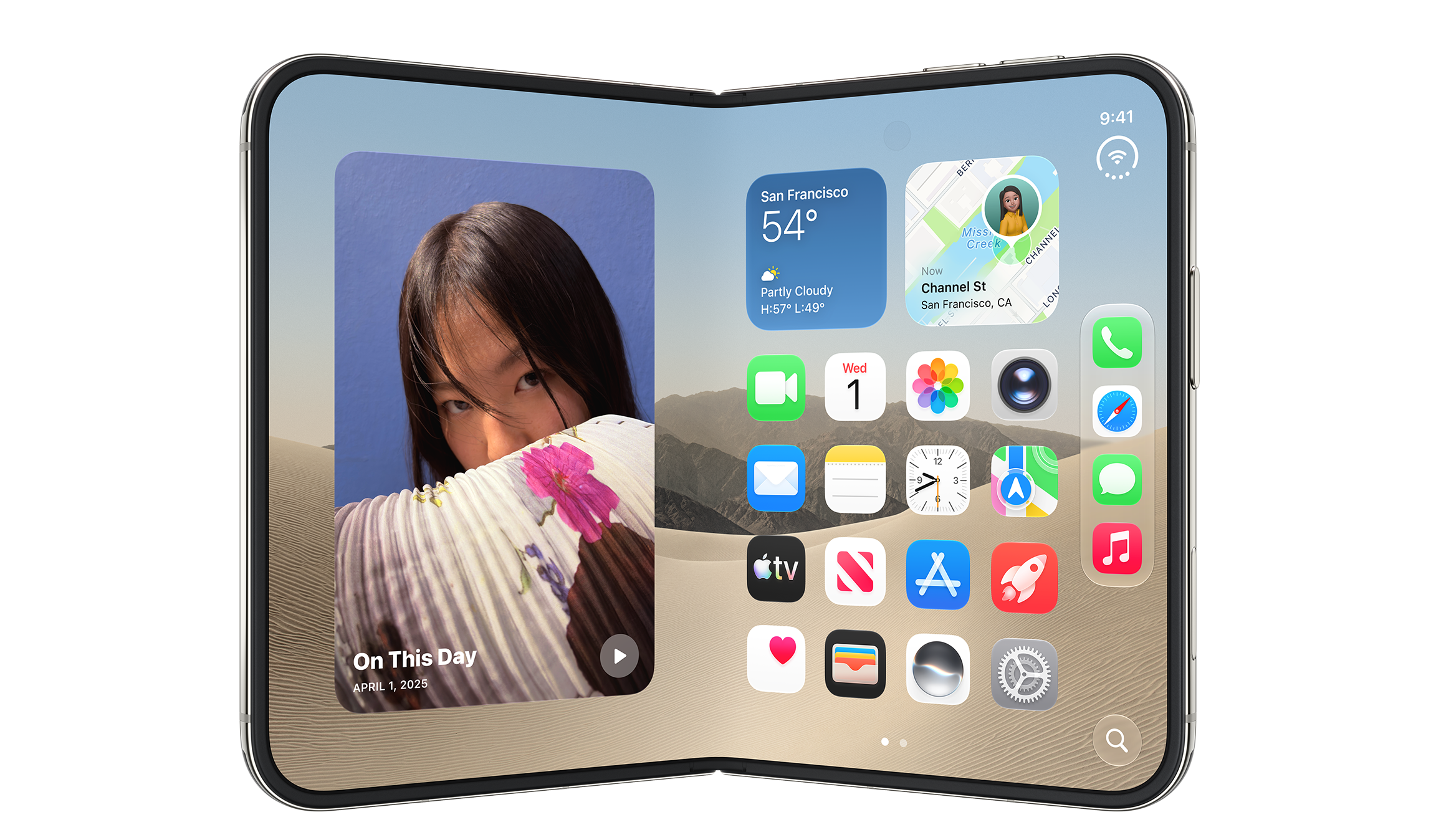
Apple hasn’t made the iOS 27.1 SDK with iPhone Duo support available to developers yet, so there’s still plenty for us to explore once we can start building and testing for the new device.
What we can say today is that Screens will support iPhone Duo, and we’re looking forward to exploring the new possibilities it opens up when it arrives in October.
What’s Next
Screens 5.9 may be out, but we’re not slowing down.
We’re continuing our work on RDP support for Screens, which will expand the ways you can connect to Windows PCs and other RDP-compatible computers. There’s still work to do before it’s ready, and we don’t have a release date to share just yet, but development is well underway.
Stay tuned!
Thank You!
This December, Screens will turn 16 years old — which is pretty incredible to think about!
None of that would have been possible without you. Whether you’ve been using Screens since the early days or only recently discovered it, your support has allowed us to keep building, improving, and adapting Screens through 16 years of new devices, new operating systems, and new ways of working.
We hope you enjoy Screens 5.9! As always, don’t hesitate to reach out if you have any questions, feedback, or just want to say hello. We’re always happy to hear from you.
Thank you for supporting Screens. We couldn’t do it without you.